¶ Layouts
A configurator is always built the same way with Products, Components, etc, but its user interface can be changed to suit different use cases, by using Layouts. The same layout can be used in multiple configurators.
¶ Editing a layout
Layouts are managed in the Wisibel module at https://editor.wisibel.com
Layouts are available at Layouts & themes in the side menu.
¶ General settings
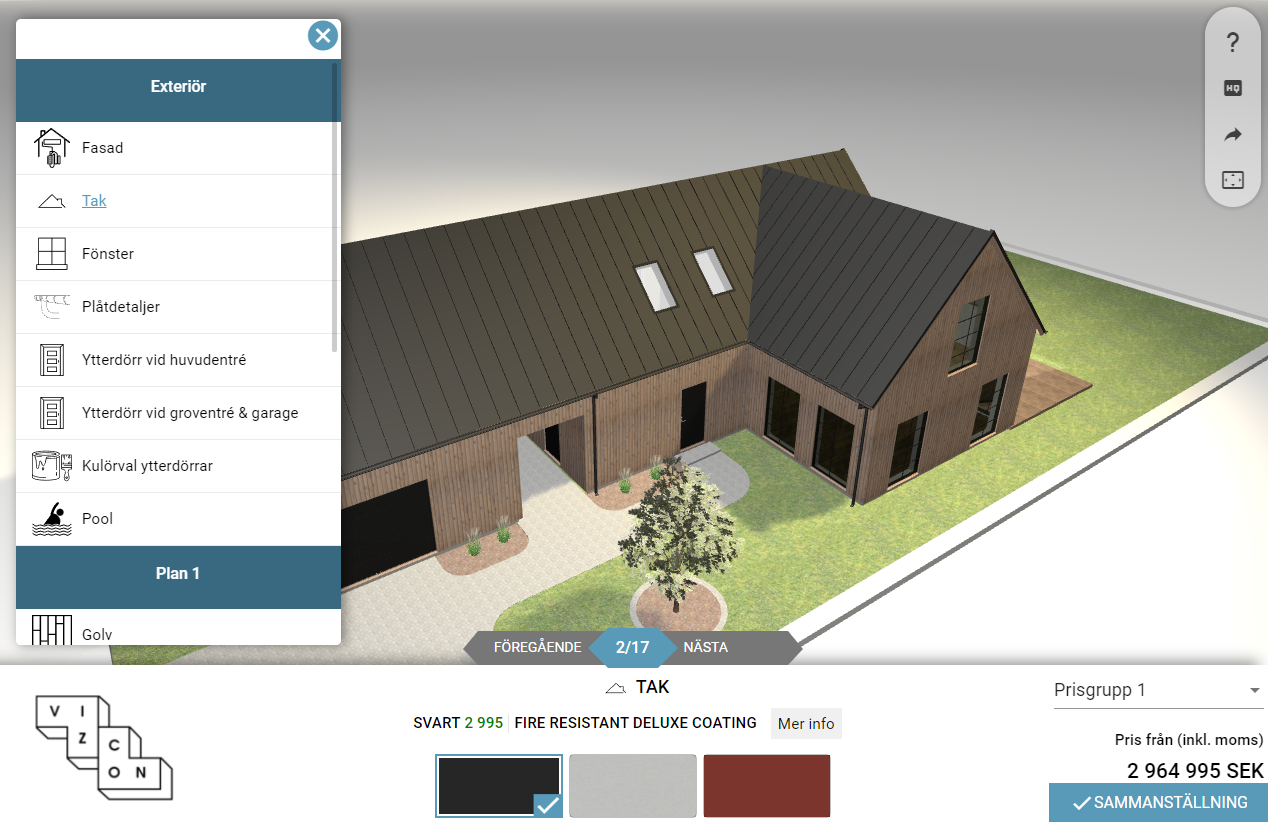
- Layout type - determines how the menu, options and stepper is displayed. See below for image references.
- Menu displayer position - Only works in the Standard layout
- Summary page type - Determines how the summary page is displayed.
¶ Layout types
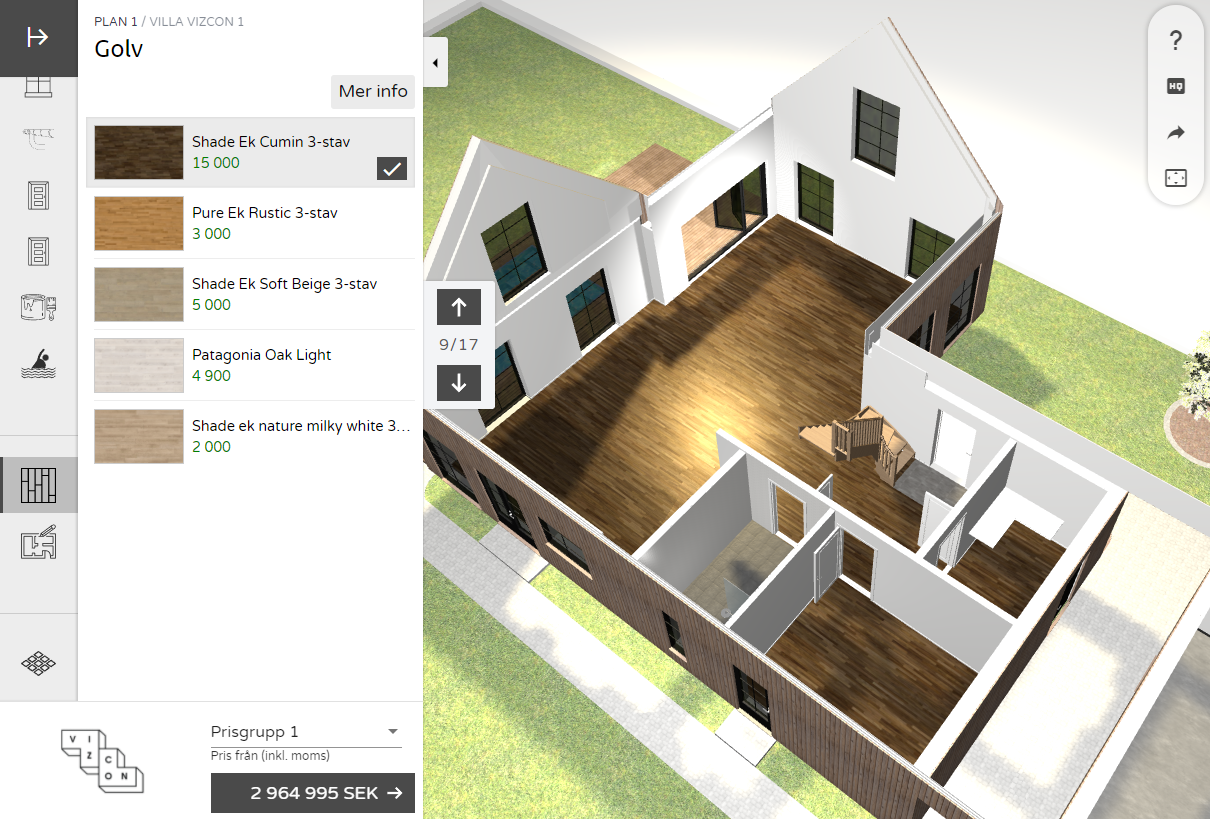
- Integrated - recommended layout for configurators
Both the menu and options are displayed in the left element.
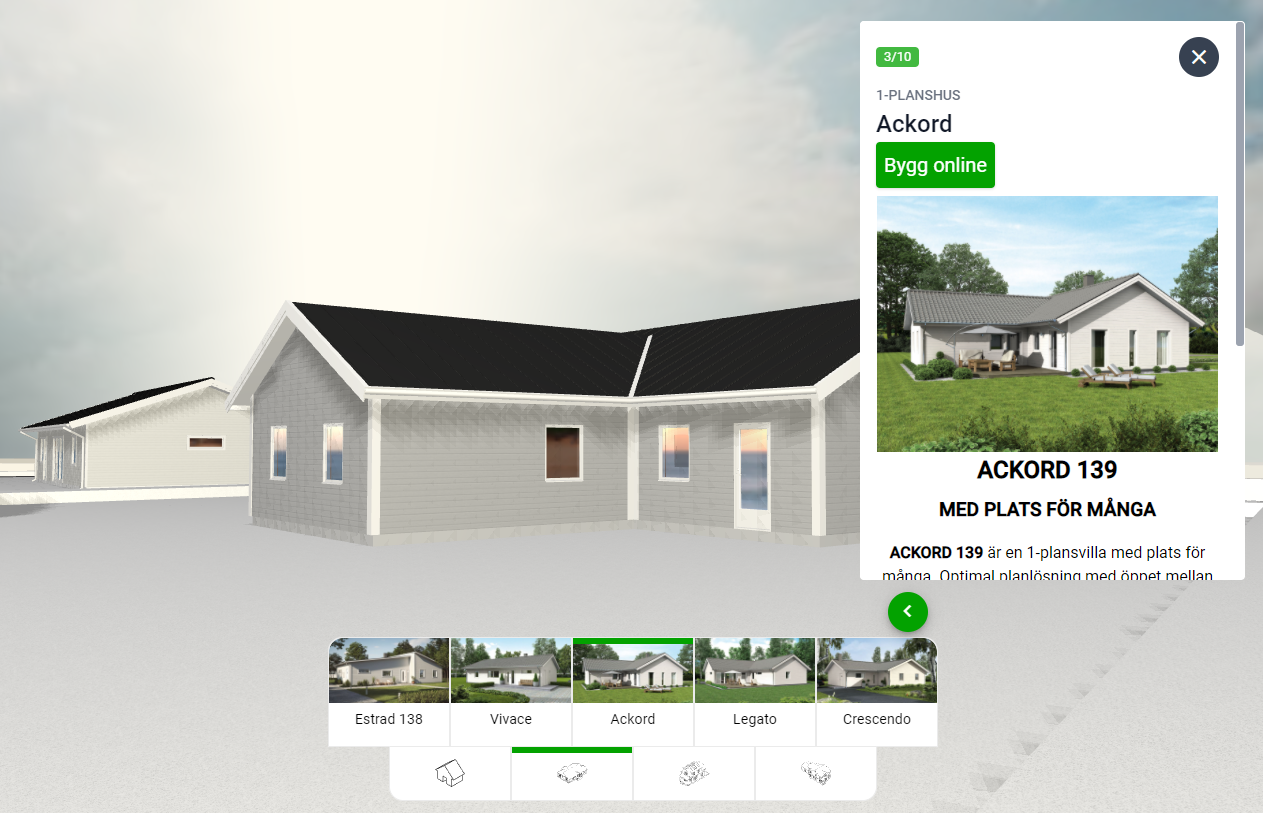
- Navigator - house selector
The house components are mapped to the Targeting Context Name-field in menu buttons, and can be clicked and hovered on for easier navigation. The Build online button redirects to the menu button's URL, and displays the menu button's icon below it.
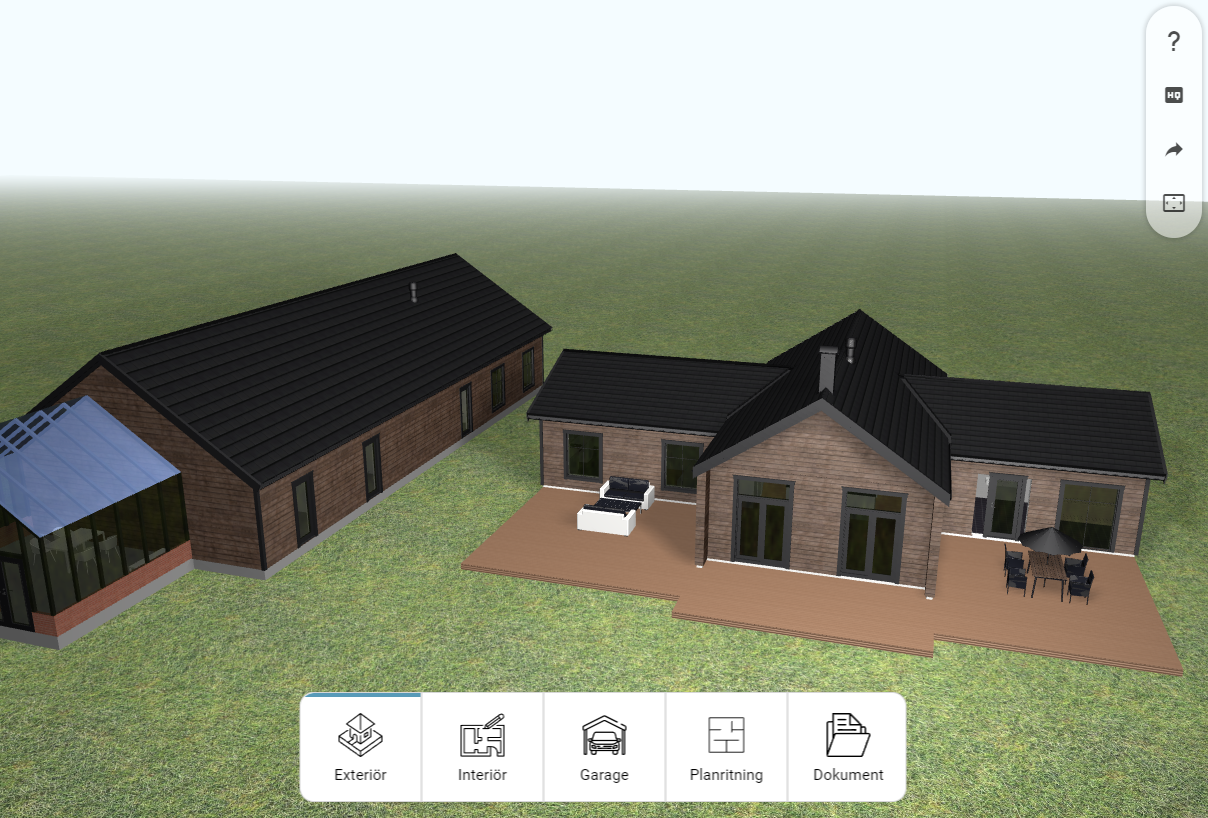
- Easy - used to maximize the 3D-area to give quick demonstrations of the house
Often used to demonstrate customer unique houses that has no, or few, options. Displays the button sections and menu buttons in a small element at the center.
- Standard - used in configurators
Displays the menu on either the left or right side, and the options at the bottom.
We recommend using the Integrated layout instead.
¶ Layout markup templates
Assigns Markup templates to be displayed in the configurator view. They are used to display information in various places, such as the text when a configurator has been sent and information in the summary page. Read more about editing markup templates.
Note: only one Markup template per type can be used, i.e. there cannot be two "configuration sent screens".
¶ Theme
Assigns a Theme to the layout, which determines the font, colors, imagery and more.
¶ Layout settings
Various layout settings that are primarily used in the Integrated and Standard layout.
- Always display price group name - By default, if there's only one price group available for the user, the price group name won't be shown. Enable this to always display its name.
- Hide summary page button text - The text of the Hide summary page-button.
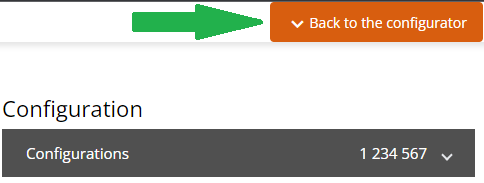
- Remove summary page tenant info - Legacy, not used
- Send configuration button text - Legacy, not used. To change the Send configuration- button text, go to the assigned Summary page and edit their Button text fields. Read more about pages.
¶ Using a layout in a configurator
Edit a Configurator and assign the layout in the Layout field.
¶ Themes
Themes determines the font, colors, imagery and more, and can be used in multiple layouts. Usually, only one Theme is created and reused in all Layouts.
¶ Editing a Theme
Themes are managed in the Wisibel module at https://editor.wisibel.com
¶ General settings
See the reference pictures to know where the images are located.
- Logo - The image diplayed in the configurator view and the summary page.
- Loading icon - The image displayed in the loading screen.
- Favicon - The image displayed next to the name in the browser tab.
- Loading background image - The background of the loading screen. Can be overridden in a configurator.
- Loading bg image brightness - The brightness of the loading screen.
¶ Fonts
A built in font can be picked from the Preset font selector, and font files can be uploaded via the Custom fonts. The font marked as default (either Preset or Custom) will be used as the default font in the configurator.
All Custom fonts that are selected (default or not) will be loaded and can be used in the CSS-editor.
¶ Colors
The On-colors are used as the text color when there's text on top of a specific color. For example, Primary color on would be used when the Primary color is used as a background color.
The Background and Secondary background colors are used in various places and can be left unchanged.
Make sure the colors has a high enough contrast ratio in order to be accessible for all users.
- Primary color - The text color of the menu buttons
- Accent - your organisations primary color, used on important buttons and details.
¶ Custom CSS
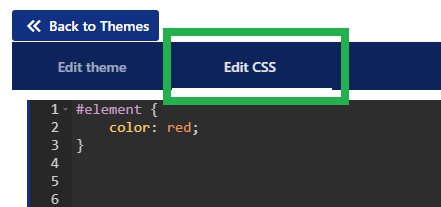
CSS can be entered by using the CSS-tab at the top:
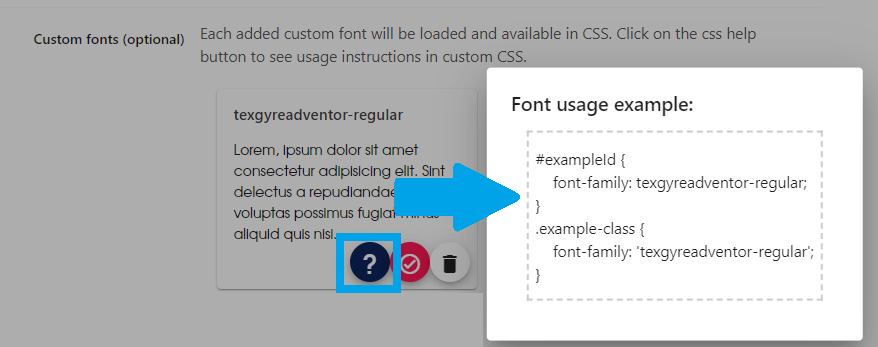
To make it easier to reference Custom fonts in CSS, click on the CSS usage instruction to see how the font-family property can be used: