When the user clicks Send configuration, a Saved configuration is generated with the selected options (kitchen cabinets, exterior doors, etc) and other info (name, email, etc). Wisibel then generates emails and PDFs, and emails both the buyer and the tenant.
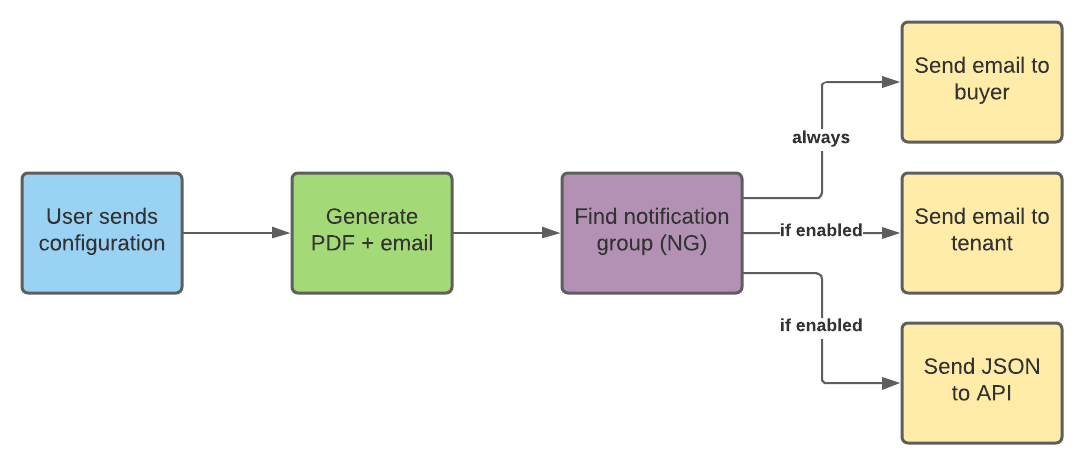
¶ Generate PDF + email
Wisibel attempts to find a Configuration Setting and uses its Markup Templates.
Configuration Settings and Markup Templates are managed in the Content Editor at https://content.wisibel.com

¶ Determine Configuration Settings (CS)
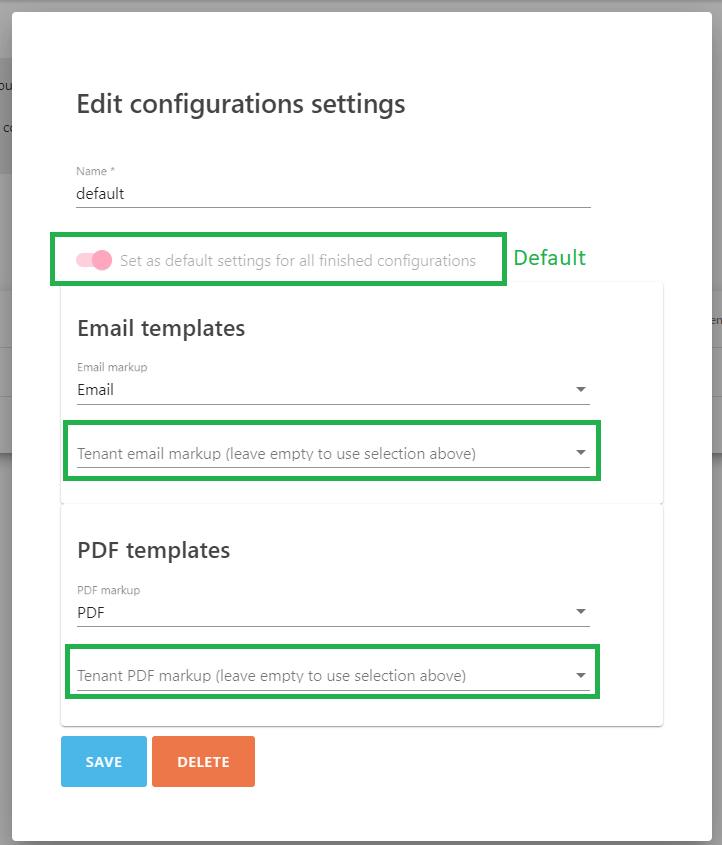
Normally the Default Configurations Setting is used, but configurators can override it by assigning another when editing a Configurator, in https://editor.wisibel.com.
¶ Different layout for buyer and tenant email+PDF
By default, the provided markup template inside a Configuration Setting is used for both the buyer and the tenant emails and PDFs, unless another is specified:
¶ Translations
Wisibel attempts to use the translated version of a Markup Template by matching the user's language from the configurator. See Markup Templates for more information.
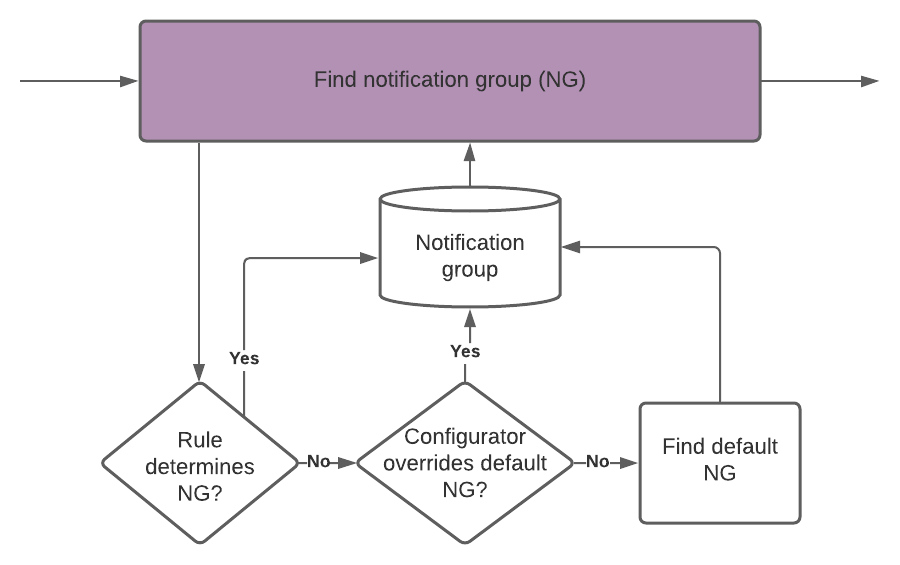
¶ Find Notification Group
Notification Groups are used to send information to known recipients within your organisation.
Notification Groups are managed in the Admin area at https://admin.wisibel.com
Normally the Default Notification Group is used, but configurators can override it with Rules or by assigning another when editing a Configurator, in https://editor.wisibel.com.
¶ Emails
An email is always sent to the buyer with the PDF document attached. The buyer's email address comes from the email field in the Summary page. If the Summary page has multiple email fields, all of them will be sent a copy.
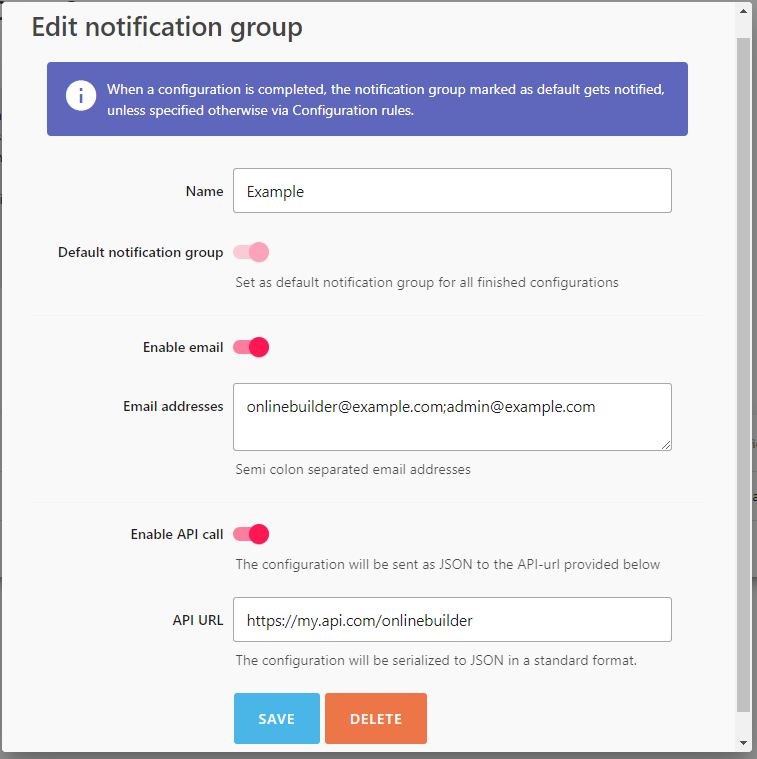
The Notification Group Email addresses field allows semi colon separated email addresses, such as onlinebuilder@example.com;admin@example.com;email3@example.com. In this case, three separate emails would be sent to the tenant and a fourth to the buyer.
¶ API call
If enabled, a POST request is sent to the provided API URL. The buyer's PDF is included as a Base64-encoded string, see this example request body.