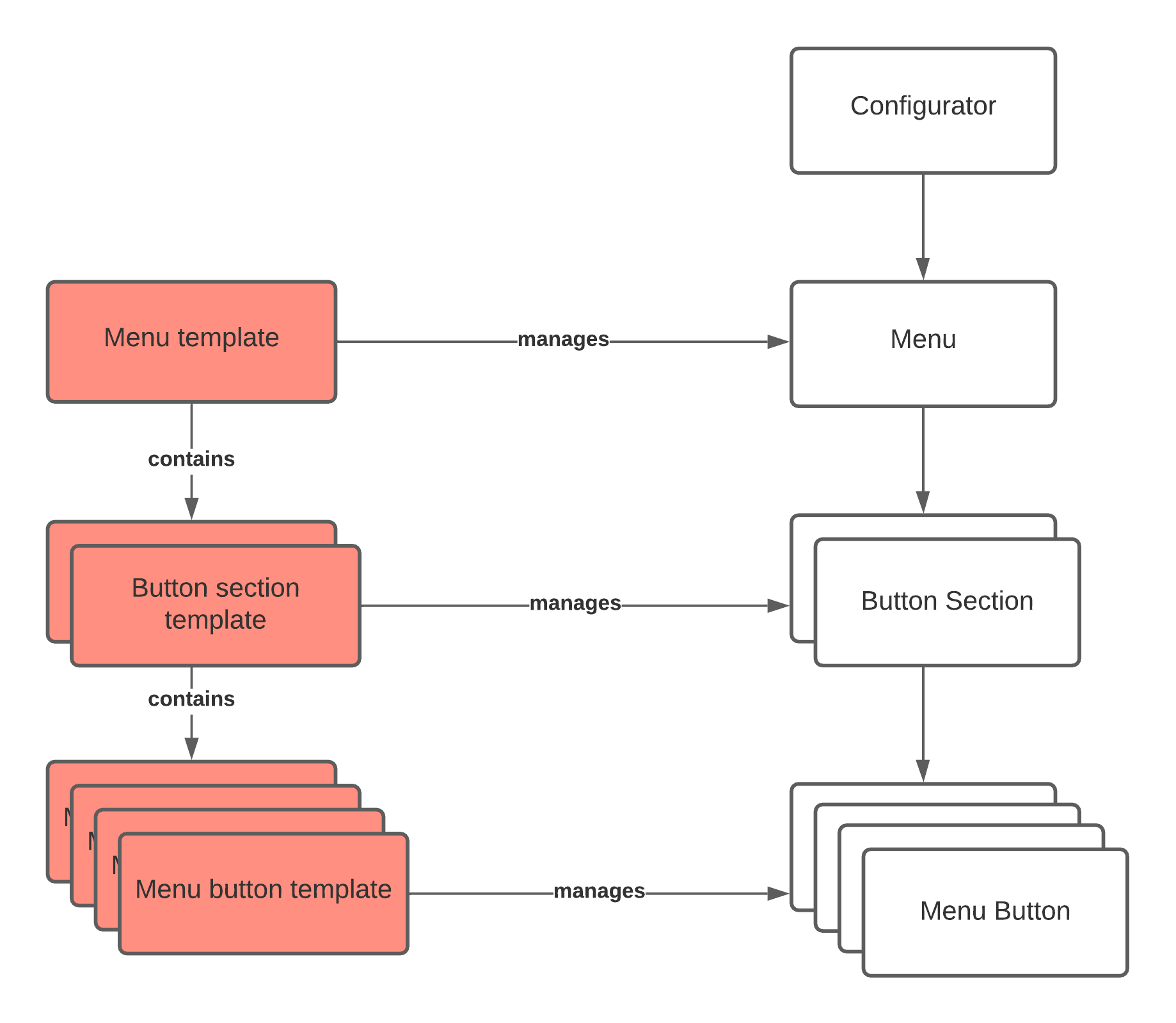
Menu templates are used to effectively manage translations, icons, and other settings in multiple menus.
Menu templates does not handle animations or the order of Button sections or Menu buttons.
¶ Editing
Whenever a property is changed within a Menu template (translations, icons, etc), the changes will be copied into all managed button sections and menu buttons.
¶ Menu templates
Go to Menu templates in the side menu. Click Create new to to add an empty template, or Create from menu to copy from an existing menu.
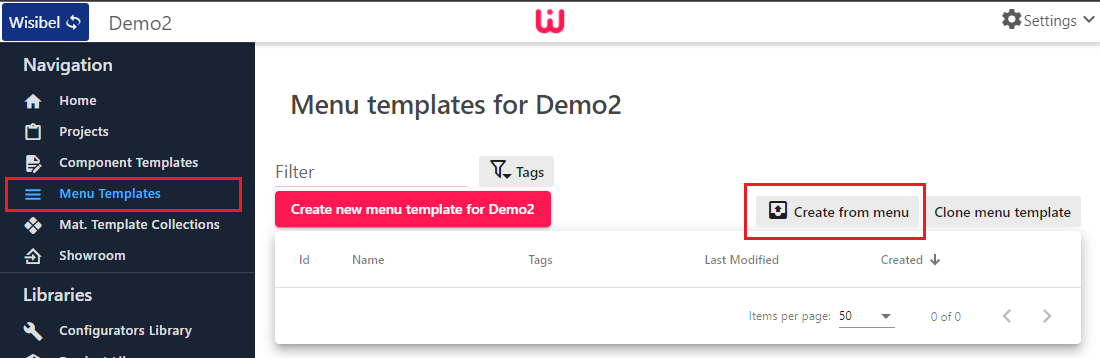
When using Create from menu, the selected menu's Button sections and Menu buttons will be converted into Button section templates and Menu button templates, along with their translations, icons and other settings.
¶ Button section templates
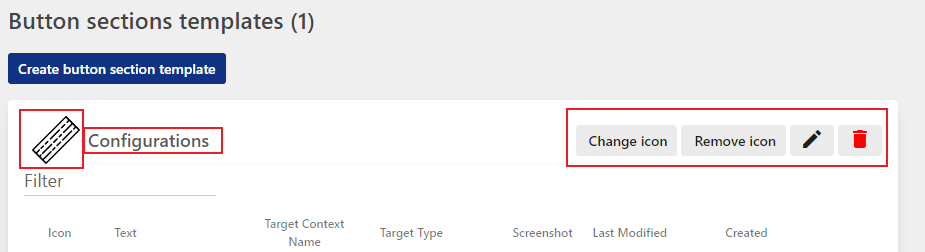
- Icon - click on the icon or Change icon.
- Text - click on the text or the pencil
¶ Menu button templates
Menu button templates are added inside Button section templates.
Click on an existing Menu button template to change:
- Text translations
- Icon
- Context name settings
- Detailed view page
- and more.
¶ Installing a Menu template
To install a Menu template on a menu, do the following:
-
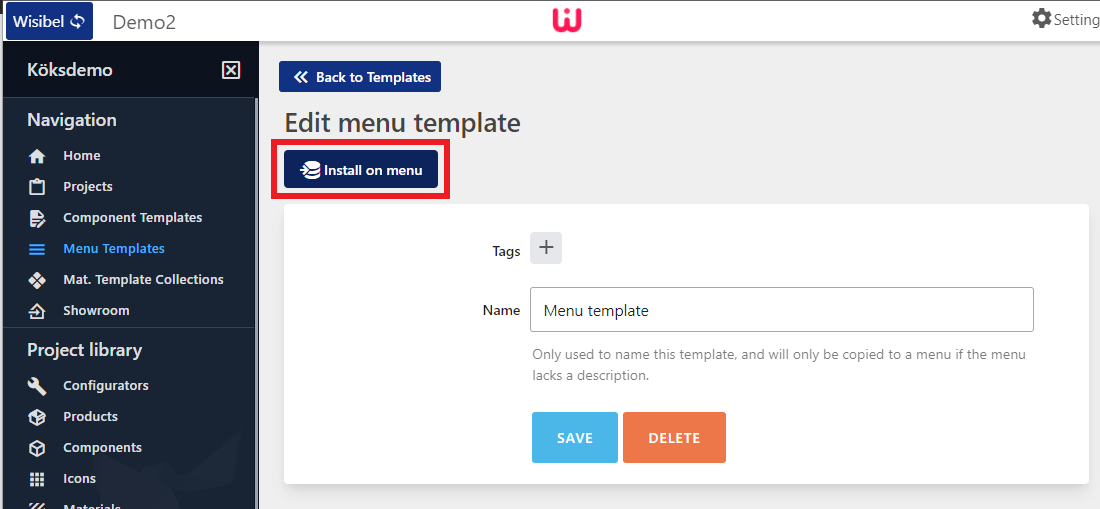
Click on Install on menu
-
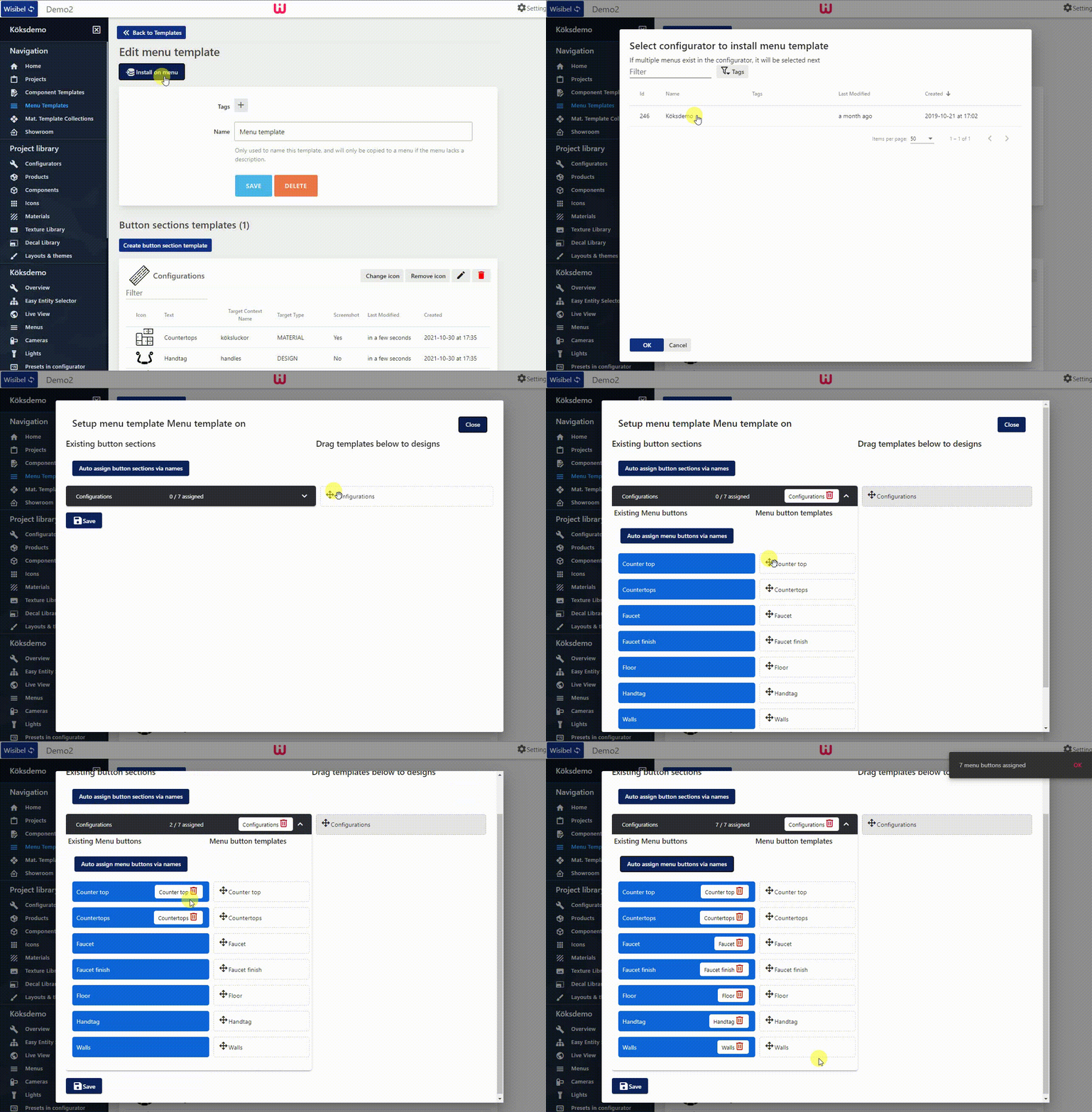
In the popup window, select the configurator where the target menu exists.
-
Assign the Button section templates and Menu button templates by drag and drop, or click Auto assign button sections via names if the names match:
-
Click Save
¶ Unassigning a Menu template
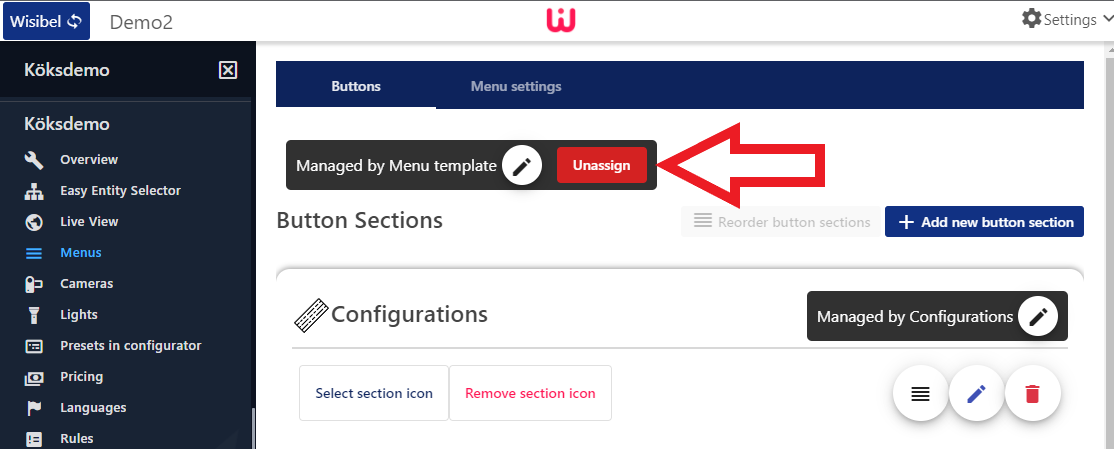
When editing a managed menu, click on Unassign to unassign the menu, button sections and menu buttons from the template.